4.7 avg.
5840+ reviews View all
5840+ reviews
Order by 16:00 for same day shipping
14 days return
DE
EN
Individual
Business

16/09/2026
Bambu Lab selection guide
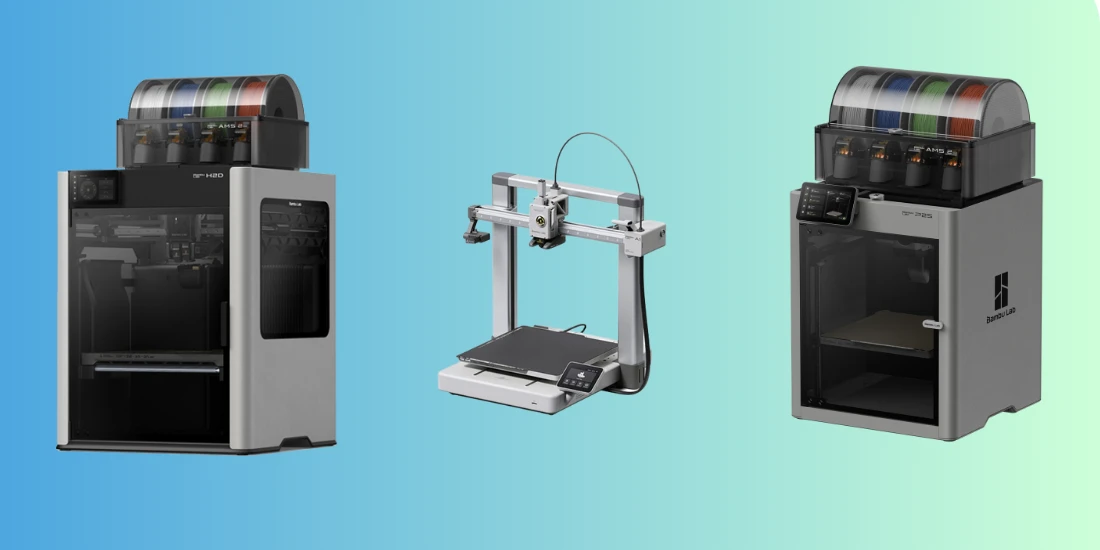
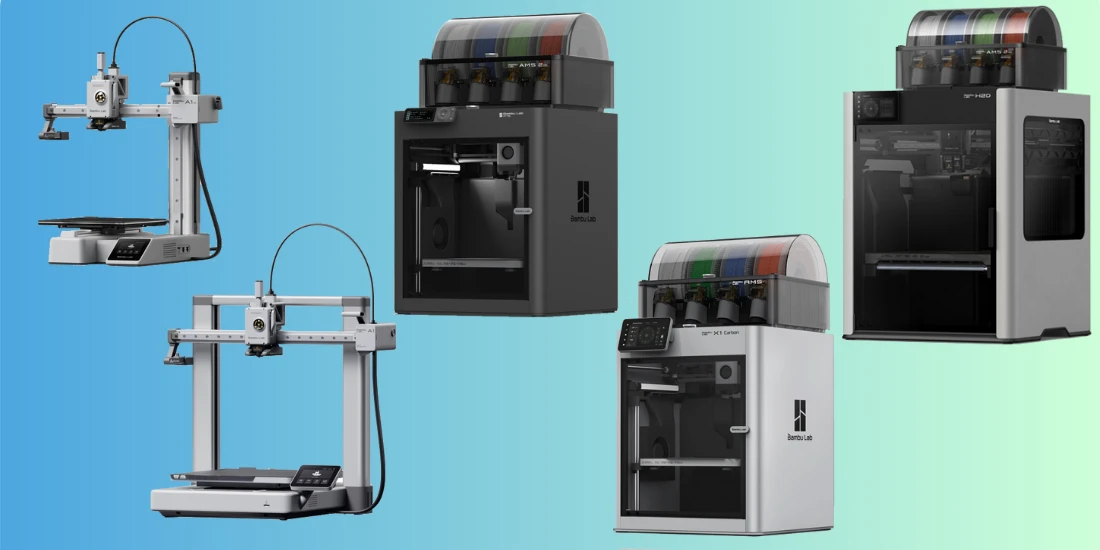
The Bambu Lab range has grown rapidly in recent years. At Elektronica Voor Jou, we compare eight models from four series in this buying guide. Each model has a different build volume, different material options, and a different target audience. As a result, the best choice is not the same for everyone.
Whether you are buying your first 3D printer, want to upgrade, or are looking for a machine for technical use, always consider three things first. How big do you want to print? What materials do you want to use? And do you want to work with multiple colors or materials later on?
In this buying guide, you will read what each model does well, who it is suitable for, and when you would be better off choosing a different Bambu Lab printer. We also explain what the AMS does, which filament you need, and which accessories are really useful.
| Your situation | Best choice | Why |
|---|---|---|
| Start small and affordable | Bambu Lab A1 Mini | Compact, user-friendly, and ideal for PLA projects |
| Print at home regularly | Bambu Lab A1 | More build volume without immediately switching to a closed printer |
| Printing large PLA and PETG models | Bambu Lab A2L | Extra large building volume in the accessible A-series |
| ABS and ASA also want to print. | Bambu Lab P2S | Enclosed printer that retains heat better |
| Work with support material or two materials | Bambu Lab X2D | Two nozzles and active room heating |
| Making large technical parts | Bambu Lab H2S | Large building volume, 350°C hotend and active room heating |
| Combining 3D printing, laser and cutting | Bambu Lab H2D | Expandable production system with double nozzle |
| Efficiently process many colors or materials | Bambu Lab H2C | Vortek system with multiple interchangeable hotends |
Are you torn between two models? Don't choose based solely on speed. Pay particular attention to the size of your prints, the type of filament you want to use, and how you want to combine multiple colors or materials.
The Bambu Lab ecosystem
With a Bambu Lab printer, you buy more than just a machine. Bambu Studio is the free slicer software that allows you to prepare models and send them directly to the printer. You can set layer thickness, speed, supports, and material profiles, among other things. The software is accessible to beginners but also offers a lot of freedom for advanced users.
With the Bambu Handy app, you can monitor a print remotely, receive notifications, and control the printer. You can find many free 3D models via MakerWorld. You open a model in Bambu Studio, choose your printer and filament, and send the print job.
That ecosystem is especially useful if you want to get started quickly. At the same time, it remains possible to create your own models or use models from other platforms.
The Bambu Lab printers explained
Bambu Lab A1 Mini: compact entry-level model
The Bambu Lab A1 Mini is the smallest and most affordable printer in this selection guide. With a build volume of 180 × 180 × 180 mm, it fits on a desk, work table, or in a classroom. The printer is quick to install and requires little technical knowledge.
The A1 Mini works well with PLA, PLA Silk, PETG, and TPU. For flexible TPU, you normally use the external spool holder. With the AMS Lite, you can print in multiple colors, as long as you use filament compatible with the system.
Choose the A1 Mini if you want to discover what 3D printing can do for you, have limited space, or primarily print smaller models. Think of organizers, toys, decorations, small housings, and prototypes. If you want to make larger objects or use ABS and ASA, another model would be a better fit.
Bambu Lab A1: the daily workhorse
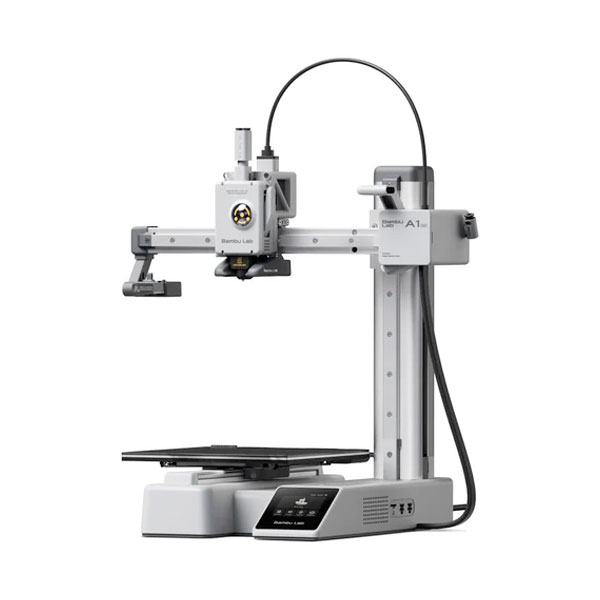
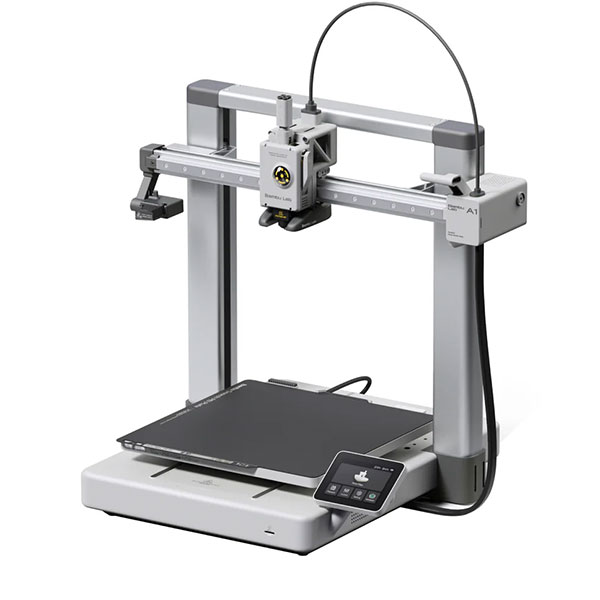
The Bambu Lab A1 has a build volume of 256 × 256 × 256 mm. This gives it more space than the A1 Mini, without becoming more complicated. It is user-friendly, works quickly, and is a great choice for people who want to print regularly.
The A1 is suitable for PLA, PLA Silk, PETG, and TPU. Here too, flexible TPU is typically fed from an external spool. The AMS Lite makes multi-color PLA and PETG prints accessible.
Choose the A1 if you create medium-sized objects, print regularly, and do not require an enclosed housing. Do you want to work with ABS, ASA, or other materials that benefit from a warm, draft-free environment? Then take a look at the P2S.
Bambu Lab A2L: large format in the A-series
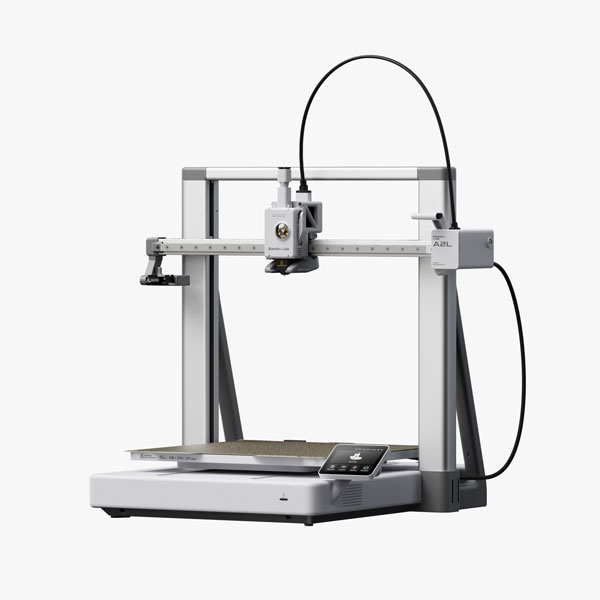
The Bambu Lab A2L is made for makers who want to print big. With a build volume of 330 × 320 × 325 mm, you can create many models in one piece. Think of cosplay parts, large storage solutions, decorations, scale models, or a full sheet of small parts.
The printer features a PMSM closed-loop servo extruder and adaptive vibration compensation. This helps maintain a smooth surface even at higher speeds. In a suitable AMS configuration, the A2L supports multi-color prints with up to 19 colors.
The A2L is a strong choice for PLA, PLA Silk, and PETG. The open frame makes it less suitable for ABS and ASA. Therefore, choose the A2L if size is most important to you and you primarily work with accessible materials. If you also want to print technical materials in a warmer environment, the P2S or a higher model makes more sense.
Read also: Bambu Lab A2L: everything you need to know about the new large Bambu Lab 3D printer.
Bambu Lab P2S: the closed all-rounder
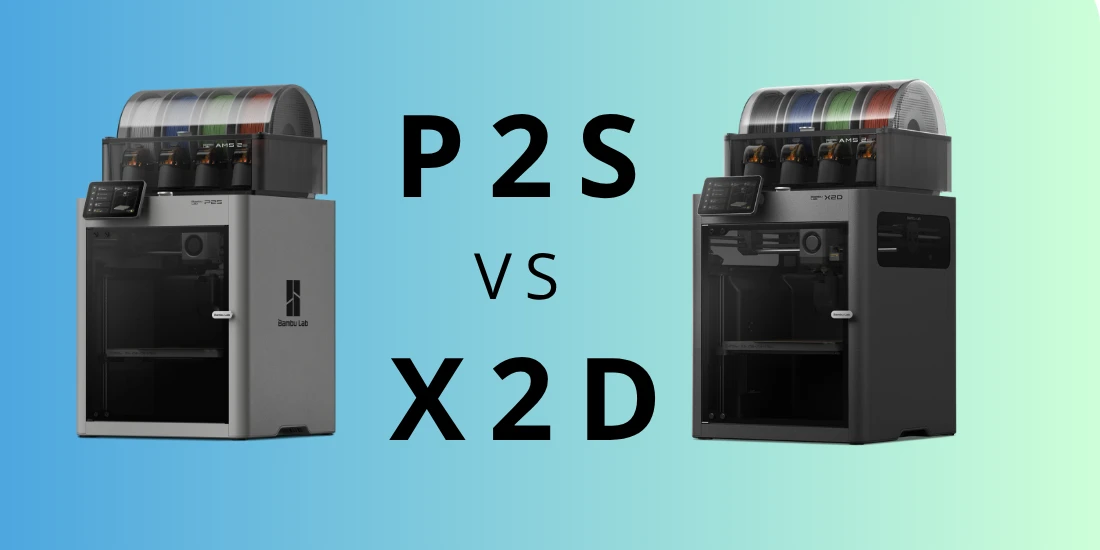
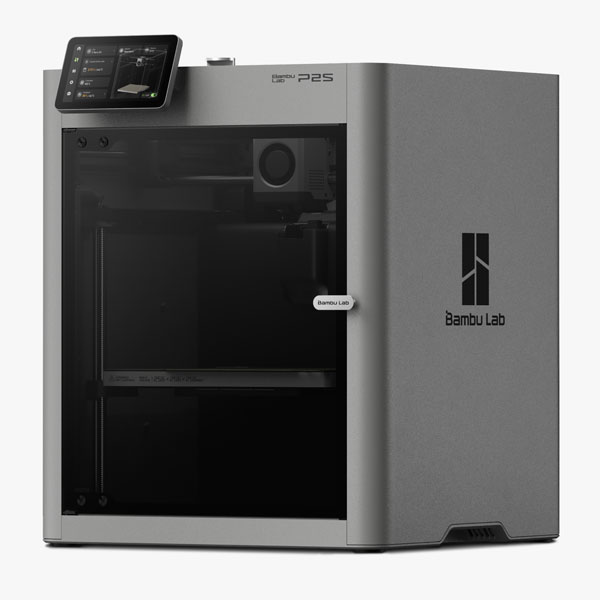
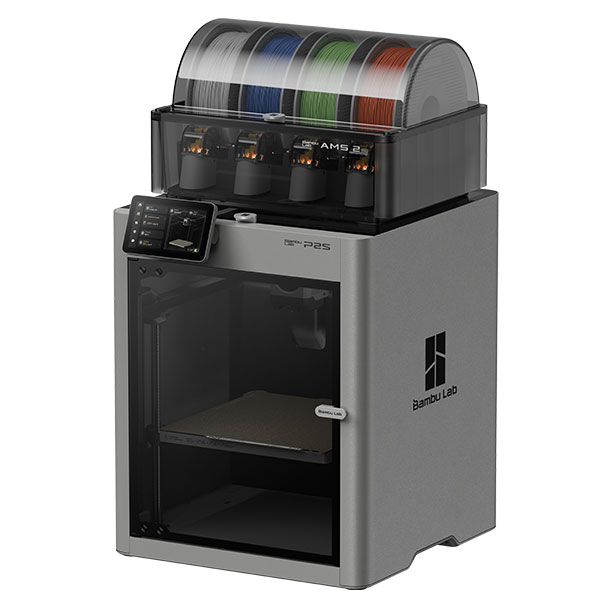
The Bambu Lab P2S is the successor to the P1S and is intended as a versatile, enclosed 3D printer. The build volume measures 256 × 256 × 256 mm. The enclosed housing retains heat around the print better and protects the model against drafts and rapid temperature fluctuations.
The P2S is “50 °C chamber ready”. The chamber temperature rises passively due to the warm print bed and the enclosed housing. Therefore, you do not set this room temperature yourself. In practice, this is an important difference compared to printers with active chamber heating, such as the X2D and H-series.
The P2S is suitable for PLA, PETG, ABS, and ASA. You can also print TPU with it, but for standard flexible TPU, you use an external spool holder. For materials such as PA and PC, proper preparation is especially important: dry the filament well and check the recommended printer profile beforehand.
Choose the P2S if you want a fast all-rounder that goes beyond PLA and PETG. It is a good choice for functional parts, housings, and ABS or ASA projects. Do you regularly want to work with complex support material, two materials in one print, or heavier engineering filaments? Then the X2D is more interesting.
Bambu Lab X2D: two nozzles, more freedom
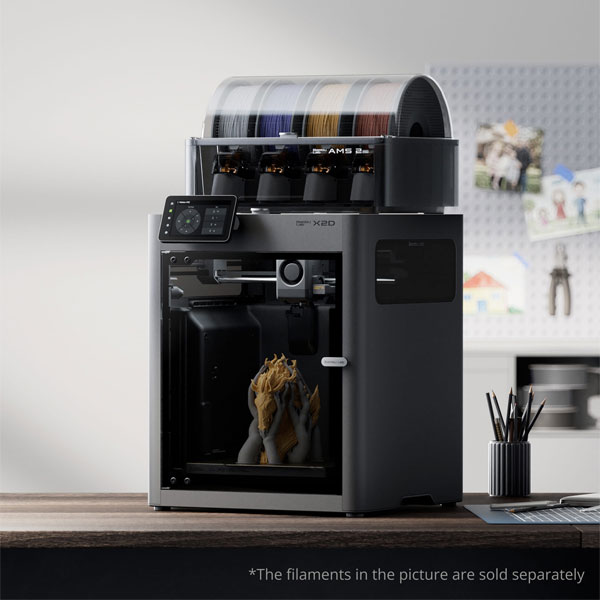
The Bambu Lab X2D has two hotends. The left hotend is the main nozzle with a direct-drive extruder. The right hotend works with a separate, supplementary extruder. This allows you to use a second color, second material, or support material without having to constantly rinse out the same nozzle.
This is especially useful for models with significant overhangs. For example, you can print the model using a single material and make only the support interface with a more easily removable support material. This allows the contact surface under a support to look nicer.
The X2D has a nozzle temperature of up to 300 °C and active chamber heating up to 65 °C. This makes it suitable for PLA, PETG, ABS, ASA, and many nylon applications, among others. With a suitable AMS configuration, the X2D supports up to 25 colors.
Choose the X2D if you frequently print complex models, value neat support surfaces, or want to use multiple materials in a single project. Do you not need a second nozzle and primarily want to reliably print PLA, PETG, ABS, and ASA? Then the P2S is often the better and more economical choice.
Read also: Bambu Lab P2S Combo versus X2D Combo: the full difference.
Bambu Lab H2S: large, technical, and expandable
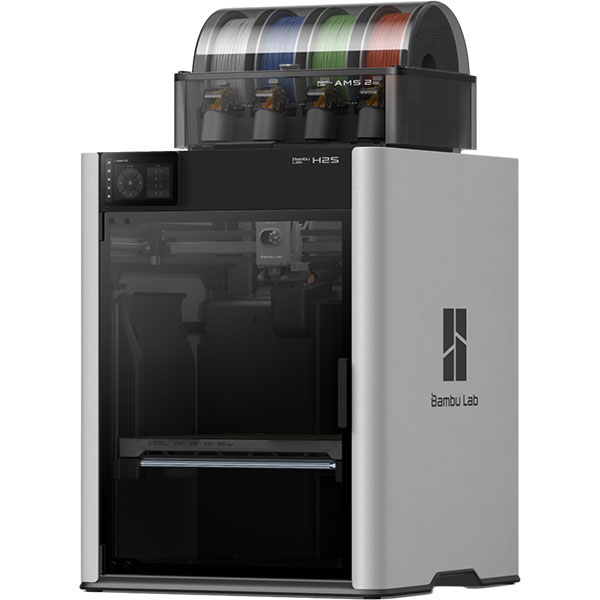
The Bambu Lab H2S is intended for large, technical projects. The build volume measures 340 × 320 × 340 mm. The printer features a 350 °C hotend and an actively heated chamber up to 65 °C. This allows you to process a wide selection of technical filaments, provided you use the correct nozzle, drying conditions, and material settings.
The H2S is particularly interesting for large housings, functional parts, production aids, prototypes, and small series. It is also available in versions with extra functionality, including a laser solution. It is therefore not just a large 3D printer, but a platform that can grow with your applications.
Choose the H2S if you want to print large parts and regularly work with materials such as ABS, ASA, PA, or PC. Do you also want to print with two nozzles as standard, or laser engrave and cut within the same system? Then take a look at the H2D.
Read also: Bambu Lab H2D vs H2S: which personal manufacturing hub suits you?
Bambu Lab H2D: printing, engraving and cutting
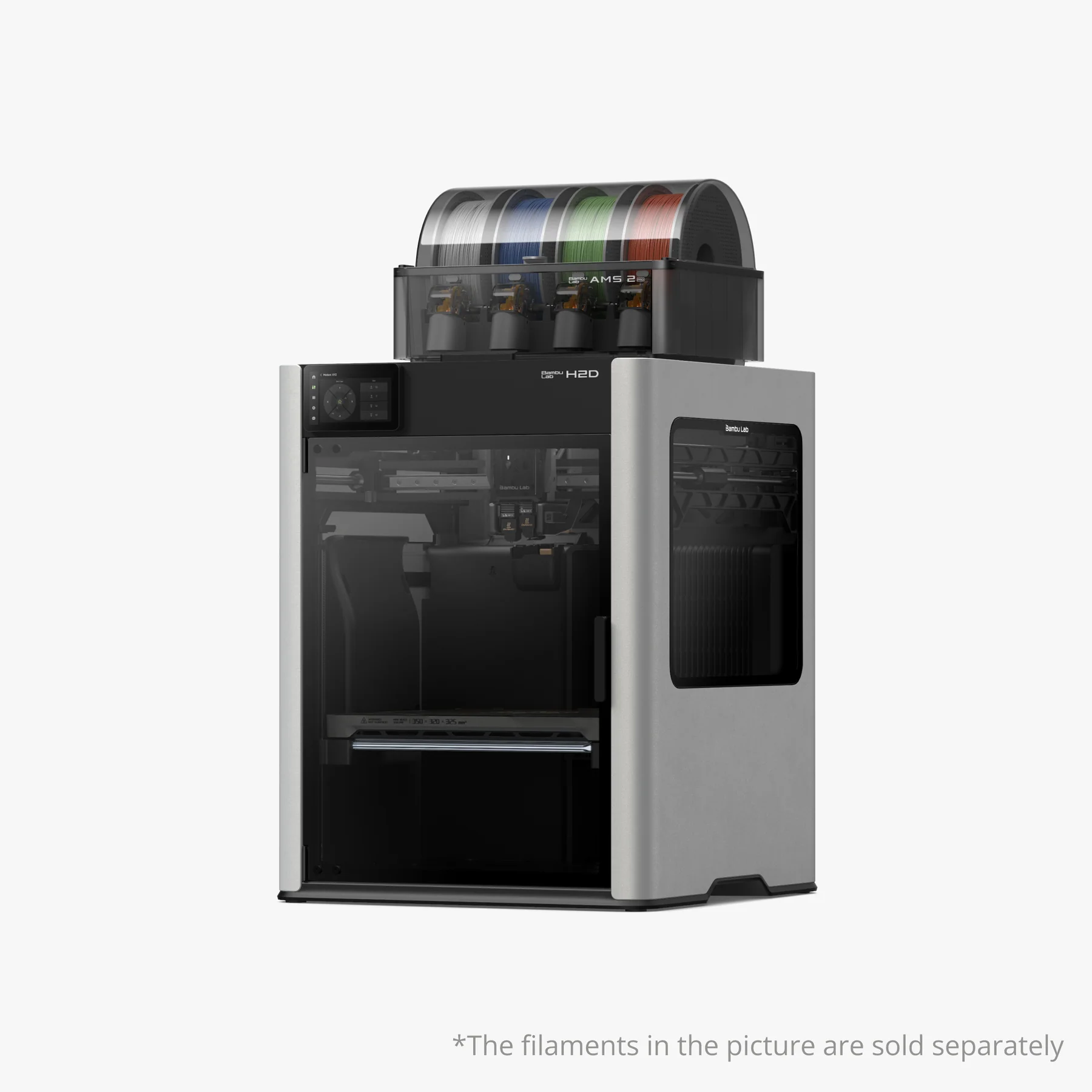
The Bambu Lab H2D combines 3D printing with expandable modules for laser engraving, laser cutting, digital cutting, and drawing. This makes it interesting for makers, schools, design departments, and small production workshops that want to do more than just 3D printing.
The H2D features two nozzles, a hot-end temperature of up to 350 °C, and active chamber heating up to 65 °C. The maximum build volume depends on the selected print mode. With one nozzle, it is 325 × 320 × 325 mm. With two nozzles, it is 300 × 320 × 320 mm. When both nozzles use the same filament, the total print area can reach up to 350 × 320 × 320 mm.
Choose the H2D if you are looking for a versatile manufacturing system. It makes less sense if you only want to make large technical 3D prints and have no need for a second nozzle or modules for laser and cutting. In that case, the H2S is often the more purpose-driven choice.
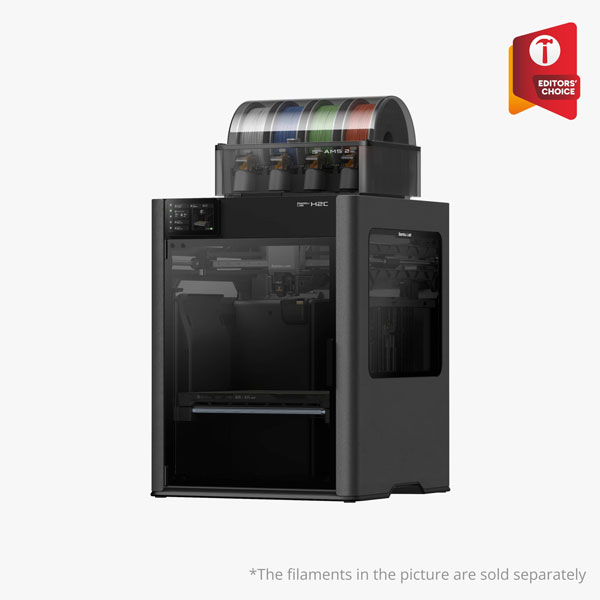
Bambu Lab H2C: for efficient multi-material printing
The Bambu Lab H2C is the most advanced option in this selection guide. It is built for multi-material and multi-color workflows where speed, reliability, and reduced waste are key. The system uses Vortek technology on the right side of the printer.
The H2C can automatically switch between up to six Vortek induction hotends in the right position. Together with the left hotend, you can therefore work with up to seven hotends within the same system. This enables efficient switching between colors, nozzle diameters, and materials.
The total build volume when using two nozzles is 330 × 320 × 320 mm. Vortek significantly reduces the amount of purge waste during changes, but does not make filament loss completely impossible. Depending on your model and settings, a prime tower or other form of priming may still be necessary.
Choose the H2C for advanced multi-material workflows, multi-color production, print farms, and professional use. For most hobbyists, an A1, A2L, P2S, or X2D is a more logical investment.
Open or closed 3D printer?
The choice between an open and closed printer is more important than many people think. Open printers such as the A1 Mini, A1, and A2L are accessible and ideal for PLA, PETG, and TPU. They are well-suited for most hobby projects and everyday prints.
ABS and ASA are more sensitive to drafts and temperature differences. Therefore, these materials work more reliably in an enclosed printer. The P2S has an enclosed housing that retains heat. The X2D and H series go further with active chamber heating.
Choose an enclosed printer if you want to print ABS or ASA regularly. Choose a printer with active chamber heating if you also want to work more frequently with technical materials such as nylon or PC and require more control.
What does an AMS do?
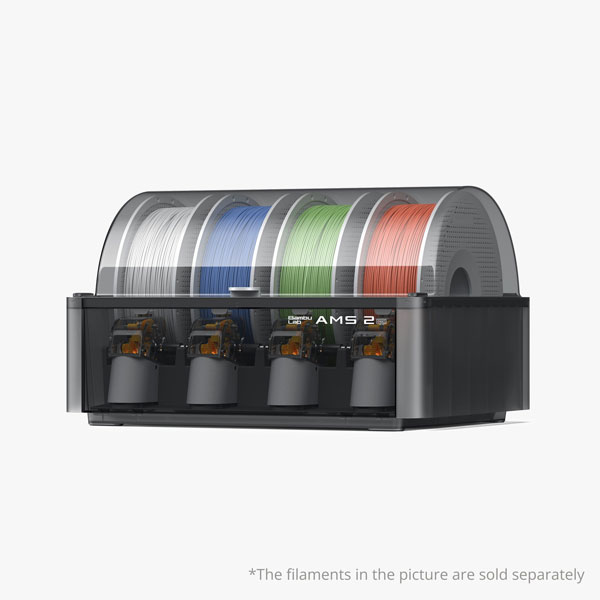
AMS stands for Automatic Material System. The system automatically switches between filament rolls. This allows you to print in multiple colors, use a second material, or prepare a spare roll for automatic feeding.
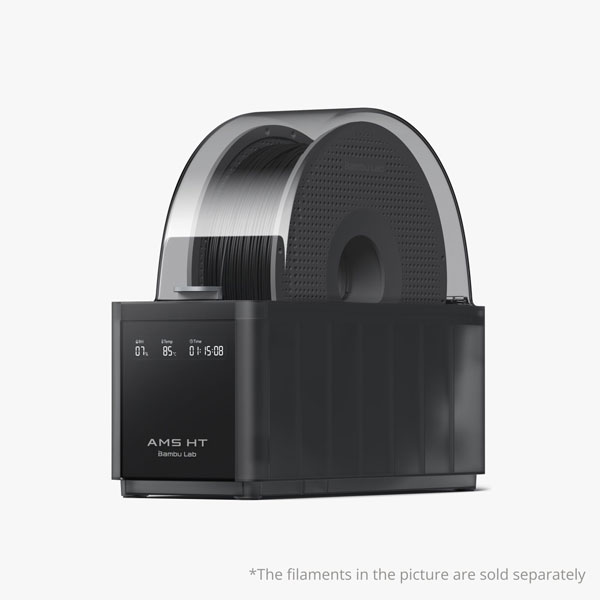
Not every AMS system works the same way. The standard AMS, AMS Lite, and AMS 2 Pro each process a maximum of four reels simultaneously. The AMS Lite is open and primarily focused on ease of use within the A-series. Therefore, it does not have fewer slots than other AMS systems, but it does not offer enclosed storage or a drying function.
The AMS 2 Pro is enclosed and features a drying function. It supports a wide range of filaments, including PLA, PETG, ABS, ASA, PA, and PC, provided the filament and printer configuration suit your application. The AMS HT is primarily intended for drying and managing materials that require higher drying temperatures.
Pay close attention to TPU. Regular flexible TPU does not work via the automatic feed of the standard AMS, AMS Lite, or AMS 2 Pro. You usually print this from an external spool holder. Bambu Lab does offer TPU for AMS, but always check if that specific TPU variant is compatible with your printer and AMS configuration. The AMS HT can serve as a drying box for standard TPU, but it does not feed the filament automatically.
An AMS is not mandatory. If you almost always print in one color, you can manage perfectly well without one. Do you want to upgrade later? Then keep in mind that a Combo package is often more economical than buying the printer and AMS separately.
Which filament do you use?
PLA
PLA is the easiest filament to start with. It prints at relatively low temperatures, warps very little, and works on all printers in this selection guide. PLA is suitable for decoration, prototypes, organizers, toys, and many housings.
Bambu Lab Basic PLA is a logical standard choice. PLA Silk gives a glossier result. Polymaker also has many colors and materials that work well with Bambu Studio profiles.
PETG
PETG is stronger and more resistant to moisture and heat than PLA. As a result, it is suitable for functional parts, hooks, clips, housings, and parts that need to withstand more.
PETG works well on open and closed Bambu Lab printers. Store it dry, as moisture can degrade the surface and layer adhesion.
ABS and ASA
ABS is strong, heat-resistant, and easy to sand or glue. ASA resembles ABS but is more resistant to UV light. As a result, ASA is a better choice for outdoor use.
For ABS and ASA, you need an enclosed printer. The P2S, X2D, and H series are more suitable for this than the open A series. With large or technical ABS and ASA models, you benefit even more from active chamber heating.
TPU
TPU is a flexible filament used for casings, shock absorbers, feet, tires, and soft parts, among other things. It prints slower than PLA and sometimes requires a bit more attention with the first layer.
You can print TPU on many Bambu Lab printers, but standard TPU is usually fed manually from an external spool holder. Therefore, do not automatically use the standard AMS, AMS Lite, or AMS 2 Pro for regular TPU. Always check compatibility with your printer for a special TPU for AMS.
Carbon-filled filament
Carbon-filled materials such as PLA-CF, PETG-CF, and PA-CF are rigid and popular for technical applications. They are abrasive. Therefore, you need a hardened nozzle. A standard nozzle wears out faster and may print less accurately.
For PA-CF, PC-CF, and similar demanding materials, a printer with an enclosed housing or active chamber heating is often the better choice. Dry the filament well and choose an appropriate nozzle and material profile.
Handy accessories
An extra build plate is a practical upgrade. This allows you to switch between materials faster and let a plate cool down while you start the next print. Choose the plate based on the filament and the Bambu Studio profile. For PETG, ABS, ASA, PA, and PC, it is important to follow the recommended plate and any adhesive layer of the material profile.
A hardened nozzle is advisable when you want to use carbon- or glass-filled filaments. Do you mainly print PLA and PETG? Then the standard nozzle is often sufficient.
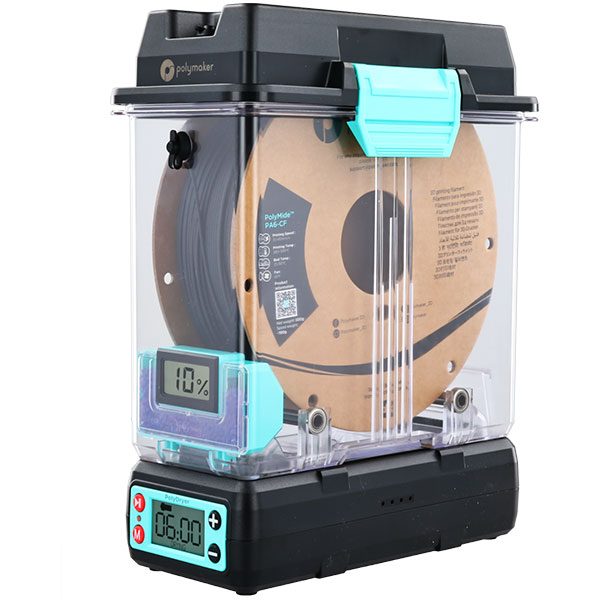
A filament dryer is useful when you print a lot of PETG, TPU, PA, PC, or carbon-filled materials. Dry filament usually results in a nicer surface, less stringing, and more reliable layer adhesion. Finally, a small maintenance kit is handy. Think of spare nozzles, a cleaning needle, PTFE tubing, and grease for the shafts.
Frequently Asked Questions
Which Bambu Lab printer is best for beginners?
The A1 Mini is the most accessible model. It is compact, affordable, and ready to use quickly. The A1 is a good step up if you want more build volume but do not yet need an enclosed printer.
What is the difference between the A2L and the P2S?
The A2L has a larger build volume of 330 × 320 × 325 mm and is ideal for large PLA and PETG prints. The P2S has a smaller build volume of 256 × 256 × 256 mm, but is enclosed. As a result, it is better suited for ABS and ASA. Choose the A2L for size and the P2S for material freedom.
Is a Bambu Lab printer suitable for ABS and ASA?
Yes, but do not choose an open A-series printer if you want to use ABS and ASA regularly. The P2S has a closed housing. The X2D and H-series combine this with active chamber heating, which is especially helpful for technical and larger prints.
Can I print carbon filament on a Bambu Lab printer?
Yes, provided you use a hardened nozzle. For materials such as PA-CF and PC-CF, a suitable enclosed printer, dry filament, and a good material profile are also important. The X2D and H series offer more options for this than the open A series.
Do I need an AMS immediately?
No. If you print in a single color, you do not need an AMS. For multiple colors, a second material, or automatic feed, the AMS is a major addition. Please note that standard flexible TPU is not fed via the standard AMS, AMS Lite, or AMS 2 Pro.
What is the best Bambu Lab printer for large prints?
For large PLA and PETG projects, the A2L with 330 × 320 × 325 mm is a strong choice. For large technical prints, the H2S with 340 × 320 × 340 mm is more interesting. If you want to utilize a larger total area with two nozzles and the same material, also consider the H2D.

Our advice based on practical experience
For a first 3D printer, the A1 Mini and A1 are usually the safest choices. They are accessible, deliver neat results quickly, and work well with PLA and PETG. If you mainly want to create large creative projects, the A2L is the logical next step. You get much more build volume without immediately opting for a technical, enclosed printer.
If you want to print functional parts with ABS or ASA, the P2S is often the best all-round choice. The enclosed housing makes it more versatile than the A-series. The X2D is particularly interesting when you really benefit from two nozzles, support material, or an active heated chamber.
The H2S is a good fit for large technical prints and professional use. Are you also looking for laser engraving, laser cutting, digital cutting, or drawing in a single system? Then the H2D is the more comprehensive choice. The H2C is primarily intended for users who want to organize multicolor and multi-material production as efficiently as possible.
Not sure yet which model suits your plans? Contact our team. Tell us what you want to make, what material you want to use, and how big your prints will be. We will then help you make a choice that is right for the long term.